
Introduction
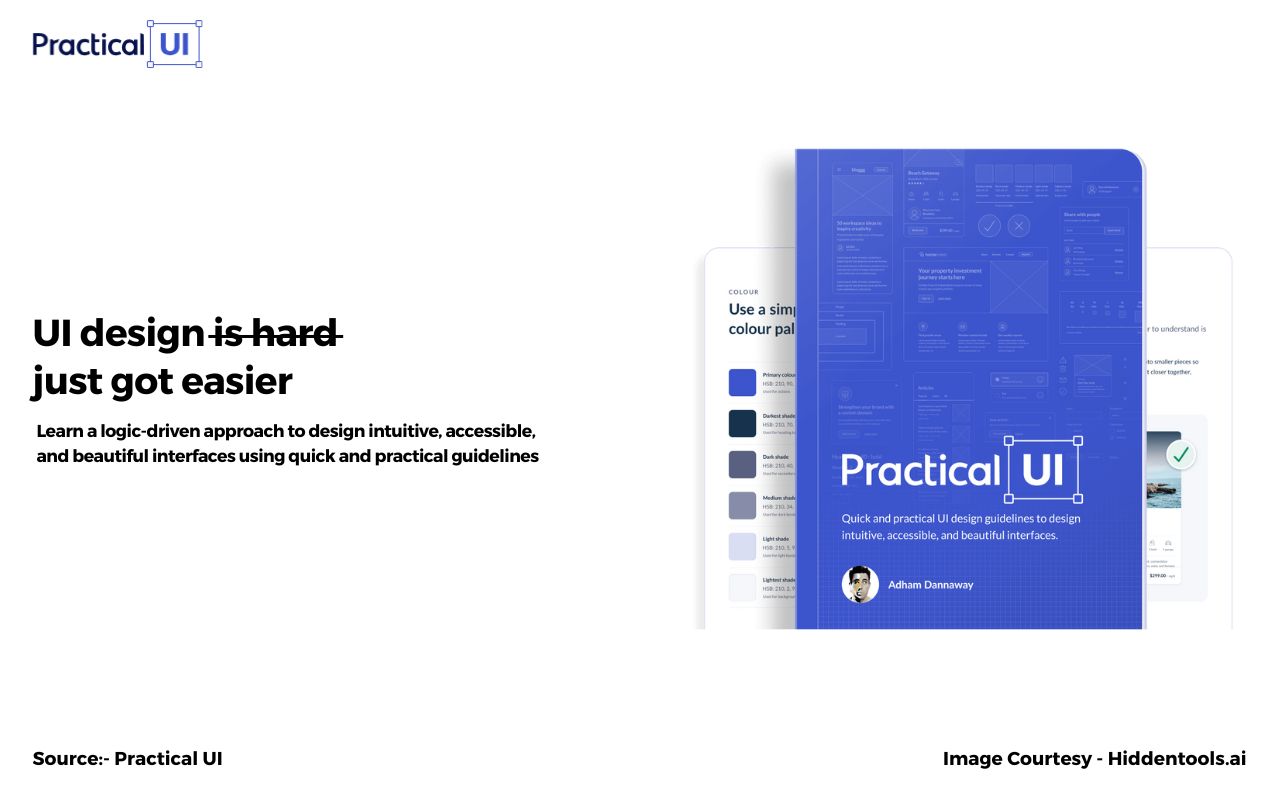
In today’s digital age, creating user-friendly and visually appealing interfaces is crucial for businesses to thrive. User interface (UI) design plays a pivotal role in delivering exceptional user experiences and driving business growth. Practical UI is a powerful tool that empowers businesses to streamline their UI design process, from wireframing to prototyping. In this article, we will explore why Practical UI is an essential tool for businesses, when to leverage its capabilities, how it can help you enhance your UI design, and what sets it apart from other solutions.
What is Practical UI?
Practical UI is a comprehensive UI design tool that simplifies the process of creating and prototyping user interfaces. It offers a wide range of features, including a drag-and-drop interface builder, an extensive library of UI components, interactive animations, and collaborative design capabilities. With Practical UI, businesses can accelerate their UI design workflow, saving time and resources while delivering visually stunning interfaces.
Why Use Practical UI?
- Streamlined design process: Practical UI provides an intuitive and user-friendly interface that simplifies the UI design process. Its drag-and-drop builder and pre-designed UI components allow users to create prototypes quickly and efficiently, eliminating the need for extensive coding or design skills.
- Consistency and scalability: Practical UI enables businesses to establish consistent design patterns and maintain brand coherence throughout their applications. By utilizing its design system capabilities, you can create reusable UI components and styles, ensuring a cohesive user experience across different screens and interactions.
- Collaboration and feedback: Practical UI facilitates collaboration among team members and stakeholders. Its collaborative design features allow for real-time feedback, annotations, and version control, ensuring everyone is on the same page throughout the design process. This fosters effective communication, reduces errors, and leads to better design outcomes.
When to Use Practical UI?
- Initial design ideation: Practical UI is an excellent tool to use during the initial stages of UI design. It enables you to quickly create wireframes and mockups, allowing you to visualize your ideas and iterate on designs without investing excessive time or resources.
- Prototyping and user testing: When it comes to prototyping and user testing, Practical UI shines. Its interactive animations and transitions help bring your designs to life, enabling you to simulate user interactions and gather valuable feedback before development. This iterative process ensures your final product meets user expectations and minimizes costly revisions later on.
- Collaborative design projects: Practical UI’s collaboration features make it ideal for team-based UI design projects. Whether you’re working with a distributed team or seeking input from stakeholders, Practical UI simplifies the feedback and review process, fostering effective collaboration and driving efficient design iterations.
How Practical UI Will Help You Grow
Practical UI empowers businesses to create exceptional user interfaces that enhance the user experience and drive business growth. By streamlining the UI design process, Practical UI enables businesses to save time and resources, allowing them to focus on delivering remarkable digital experiences. The tool’s consistency features ensure that your brand identity remains intact, instilling trust and familiarity among users. By leveraging Practical UI’s collaborative capabilities, businesses can enhance communication, foster teamwork, and deliver UI designs that align with user needs and preferences.
Conclusion
Practical UI is an indispensable tool for businesses seeking to elevate their UI design process. With its intuitive interface, collaborative features, and time-saving capabilities, Practical UI enables businesses to create visually stunning and user-friendly interfaces that drive engagement and business growth. Embrace Practical UI to streamline your UI design workflow, foster collaboration, and deliver exceptional digital experiences that captivate your audience.